2025-07-24 — By Siddharth Jain · 6 min read
HTML: Showcasing Video, Audio, and PDF Files
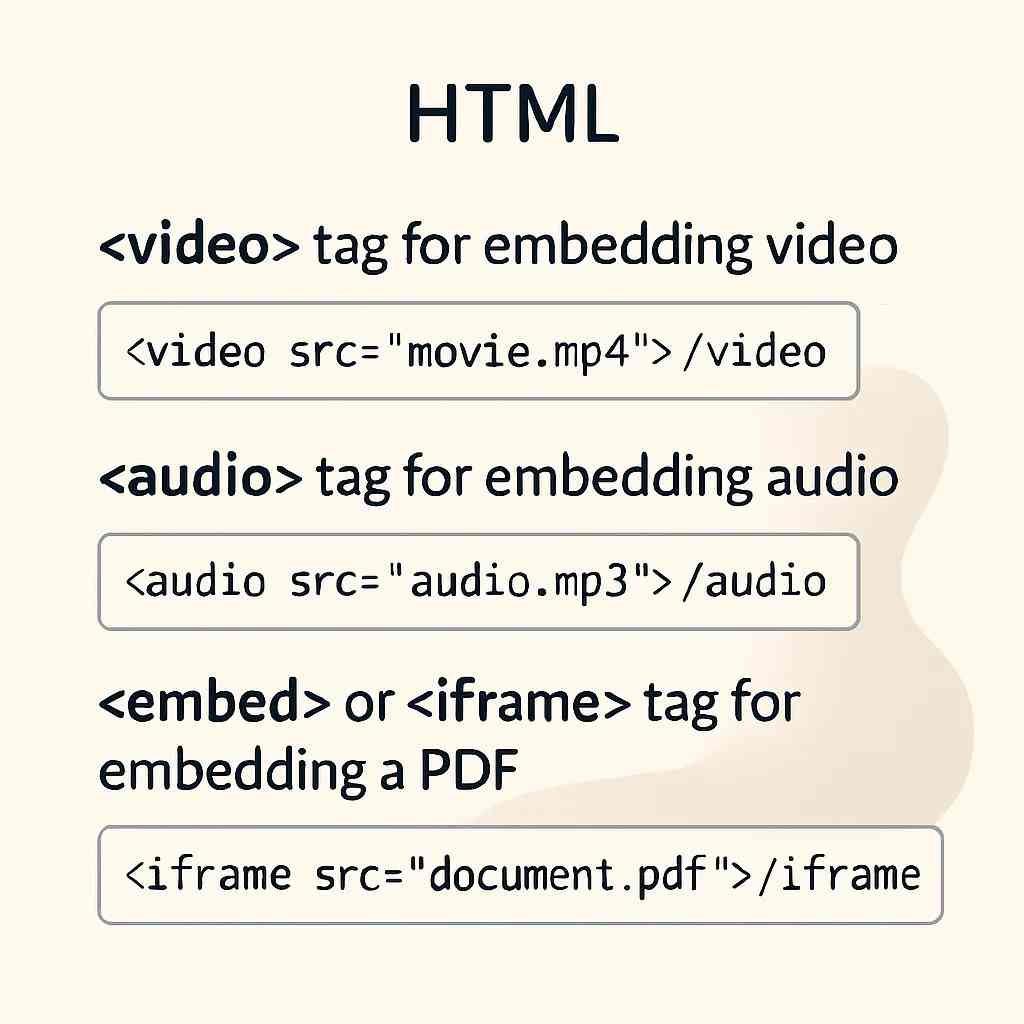
HTML isn’t just for displaying text—it lets you embed videos, audio, and even PDF documents on your website. In this blog, you’ll learn how to add all three media types with easy-to-understand code examples and explanations.
🎥 The HTML Tag
What is it for?
The tag integrates videos directly into your web page.
Basic Syntax
Your browser does not support the video tag.
<video width="600" height="400" controls>
  <source src="video.mp4" type="video/mp4" />
  Your browser does not support the video tag.
</video>
Key Attributes
| Attribute | Purpose |
|---|---|
| controls | Displays play, pause, and volume buttons |
| autoplay | Starts video automatically on page load |
| loop | Restarts video once it finishes |
| muted | Plays the video without sound initially |
| poster | Sets a preview image before play |
Example
<video width="500" controls autoplay muted poster="/poster.jpg">
  <source src="/media/demo-video.mp4" type="video/mp4" />
</video>
🎧 The HTML Tag
What is it for?
Use the tag to embed an audio player (music, podcasts, etc.) on your webpage.
Basic Syntax
Your browser does not support the audio element.
<audio controls>
  <source src="audio.mp3" type="audio/mp3" />
  Your browser does not support the audio element.
</audio>
Key Attributes
| Attribute | Purpose |
|---|---|
| controls | Displays play/pause and volume controls |
| autoplay | Starts audio as soon as the page loads |
| loop | Repeats the audio file |
| muted | Plays the audio with sound turned off |
Example
<audio controls loop>
  <source src="/media/bhajan.mp3" type="audio/mp3" />
</audio>
📄 How to Embed a PDF in HTML
There are two main ways to display a PDF document on a web page:
1. Using the Tag
<embed
  src="/docs/sample.pdf"
  type="application/pdf"
  width="100%"
  height="600px"
/>
2. Using the Tag
<iframe src="/docs/sample.pdf" width="100%" height="600px"></iframe>
Note: Some browsers may require a plugin or extension to view embedded PDFs.
📚 Complete Example: All Tags Together
Video Demo Audio Demo PDF Demo
<h2>Video Demo</h2>
<video width="500" controls>
  <source src="/media/demo-video.mp4" type="video/mp4" />
</video>

<h2>Audio Demo</h2>
<audio controls>
  <source src="/media/demo-audio.mp3" type="audio/mp3" />
</audio>

<h2>PDF Demo</h2>
<embed
  src="/docs/sample.pdf"
  type="application/pdf"
  width="100%"
  height="600px"
/>
🧠 Conclusion
Adding media to web pages is essential for modern, interactive sites. By using tags like , , , or , you can make your webpages richer and more informative.
Next time you work on a web project, try these tags for a better, more engaging experience!
