2025-09-05 — By Siddharth Jain · 5 min read
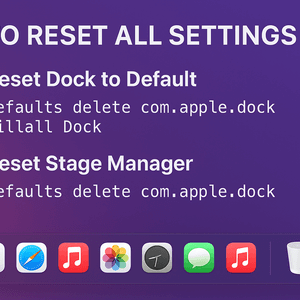
🔄 Reset Dock to Default
- Open Terminal (Applications → Utilities).
- Run this command:
defaults delete com.apple.dock
killall Dock
- This deletes your Dock preferences and restarts it.
- After this, Dock layout, magnification, minimized windows, etc. will be back to factory defaults.
🔄 Reset Finder Preferences
defaults delete com.apple.finder
killall Finder
🔄 Reset Stage Manager
There isn’t a direct “reset” button, but you can just:
- Go to System Settings → Desktop & Dock → Stage Manager.
- Toggle it off and back on → it reloads to default layout.
⚠️ If You Want to Reset All macOS Settings
- Only way is to create a new user account (System Settings → Users & Groups → Add User).
- That account starts fresh with default settings.
- Or, if you want a full clean slate, you’d need to erase and reinstall macOS.
